
Brands we install
Apple TV setup and integration
Apple TV set up so it's the easiest thing in the house to use: hidden, connected over a solid network, working with your receiver or soundbar, and controlled by Control4 if you have it.
5.0 on Google · 60+ reviewsApple TV is one of the most popular streaming boxes, and it's a common source in home theaters and whole-home video systems. Getting it right means placing it where it gets a strong network connection, connecting it correctly to the TV or receiver, and making sure one remote or Control4 controls the whole room.
We mount or hide the Apple TV, wire it to the network where possible, set up audio through soundbars or receivers, and integrate it into Control4 or a video matrix.
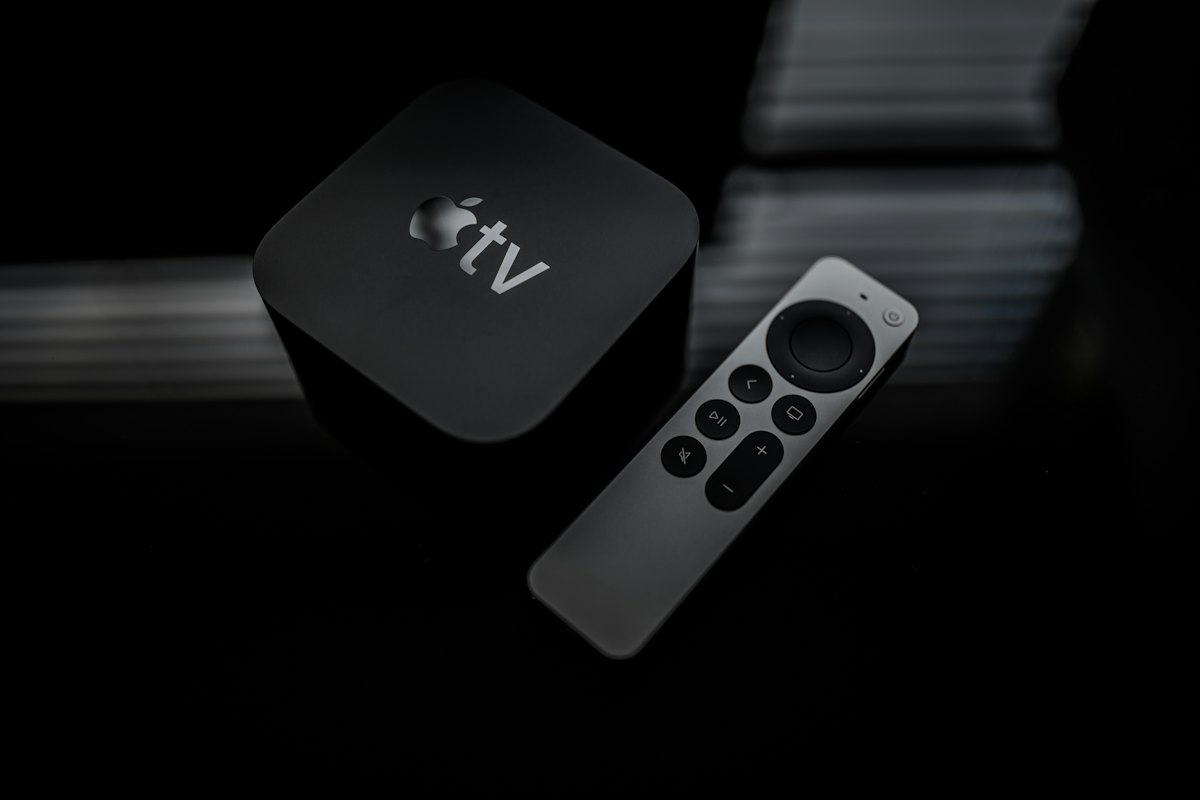
What we set up
Apple TV in your system.
- Mounting or hiding the Apple TV
- Wired network connection
- HDMI, eARC and audio settings
- Receiver and soundbar integration
- Control4 and remote programming
- Sharing sources through a video matrix
Common fixes
Apple TV issues we solve.
- Buffering: usually Wi-Fi; a wired connection fixes it
- No sound or out-of-sync sound through the receiver
- TV not turning on with the Apple TV remote
- Too many remotes in the room
FAQ
Apple TV setup and integration: common questions
Can Control4 control Apple TV?
Yes, Apple TV can be integrated into Control4 rooms. See what works with Control4.
Should Apple TV be wired?
Yes, when possible. It makes streaming more reliable.
Can one Apple TV serve several TVs?
With a video matrix, yes. See HDMI matrix.